Featured in Windows News
Latest Articles
Windows News
Top 50 Windows Interview Questions and Answers for ICT Beginners and Support Technicians
Prepare for your next ICT or help desk interview with these top 50 Windows interview questions and answers covering Windows basics, NTFS, users, networking, security, troubleshooting, PowerShell, and administration.

Windows News
How to Clear the “Activate Windows” Notification Permanently
Windows News
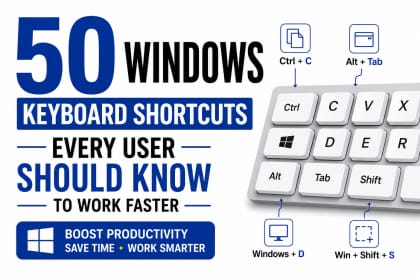
50 Windows Keyboard Shortcuts Every User Should Know to Work Faster
Windows News
The Future of Windows: AI PCs, Copilot, and the Next Generation of Computing

Windows News
Why Cybercriminals Love Unpatched Computers: Lessons from Major Cyberattacks

Windows News
Windows Features You Probably Haven't Discovered Yet: Shared Audio, Multi-App Camera and More
Windows News
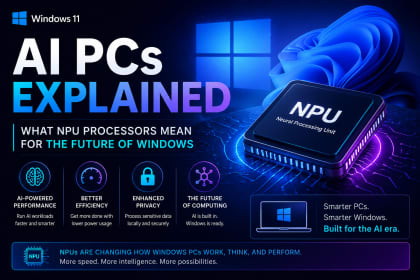
AI PCs Explained: What NPU Processors Mean for the Future of Windows
Latest Windows News Articles
All Journal Posts
Windows News
Top 50 Windows Interview Questions and Answers for ICT Beginners and Support Technicians
Windows News
How to Clear the “Activate Windows” Notification Permanently
Windows News
50 Windows Keyboard Shortcuts Every User Should Know to Work Faster
Windows News
The Future of Windows: AI PCs, Copilot, and the Next Generation of Computing
Windows News
Why Cybercriminals Love Unpatched Computers: Lessons from Major Cyberattacks
Windows News
Windows Features You Probably Haven't Discovered Yet: Shared Audio, Multi-App Camera and More
Windows News
AI PCs Explained: What NPU Processors Mean for the Future of Windows

Windows News
Windows Performance Improvements: Hidden Features That Make Your PC Faster
Windows News
Windows Security Updates Explained: Why Microsoft's Biggest Patch Releases Matte

Windows News
How to Speed Up Windows 11 and Make It Run Faster: Complete Performance Guide

Windows News
Windows: Why Your Computer Takes Too Long to Start (And How to Fix It)

Windows News
What Happens When Windows Crashes? Understanding the Blue Screen of Death
Related Technology Desks
Explore AllWindows News FAQs
Ask SurgeTechKnowWhy do Windows PCs slow down?
Windows PCs may slow down because of startup apps, low storage, outdated drivers, malware, overheating or background processes.
How can Windows be secured?
Enable Windows Security, update regularly, use strong account protection, backup files and avoid untrusted software.
What causes Windows update issues?
Driver conflicts, low storage, corrupt update cache and unstable connections can cause update failures.
Should users clean temporary files?
Yes. Cleaning temporary files can free storage and improve system responsiveness.