How to Use a Subnet Calculator: Complete Guide for Networking Students
Subnetting is one of the most important networking skills every ICT student, network administrator, cybersecurity analyst, and systems engineer should understand.
Unfortunately, it is also one of the topics that many learners struggle with.
I remember when I first encountered subnetting during networking studies. The concept seemed simple on paper, but calculating network addresses, broadcast addresses, usable host ranges, and subnet masks manually often led to mistakes. A single incorrect bit could completely change the answer.
Today, subnet calculators have made network planning significantly easier. Instead of spending several minutes performing binary calculations, you can instantly obtain accurate subnetting results and focus on understanding the network design itself.
However, many students make a mistake: they use subnet calculators without understanding what the results actually mean.
This guide explains not only how to use a subnet calculator but also how to interpret the information it provides. Whether you are preparing for CCNA exams, managing enterprise networks, or learning networking for the first time, understanding subnet calculators will make you a more effective networking professional.
What Is a Subnet Calculator?
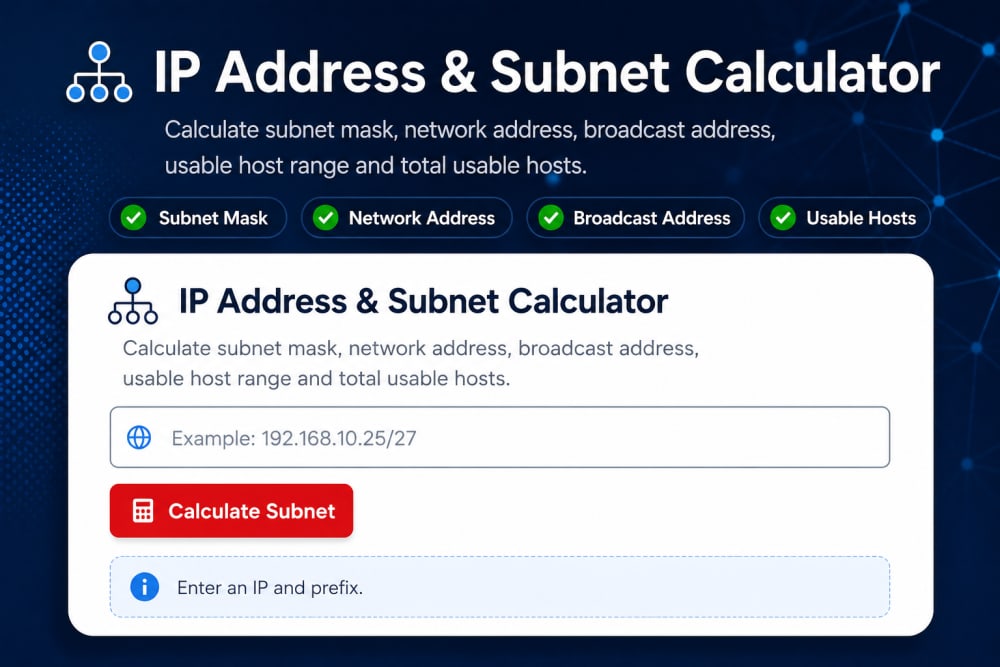
A subnet calculator is a networking tool that automatically performs subnetting calculations based on an IP address and subnet mask or CIDR notation.
Instead of manually calculating:
-
Network Address
-
Broadcast Address
-
Usable Host Range
-
Number of Hosts
-
Number of Subnets
-
Wildcard Mask

The calculator generates the results instantly.
Think of it as a scientific calculator for networking.
Just as a calculator helps with mathematics, a subnet calculator helps with network planning and address management.
Why Subnetting Matters
Before learning the calculator, it is important to understand why subnetting exists.
Imagine a company with 500 devices connected to a single network.
Problems quickly appear:
-
Excessive broadcast traffic
-
Reduced performance
-
Security concerns
-
Difficult management
Subnetting solves these problems by dividing large networks into smaller, more manageable segments.
For example:
HR Department      →VLAN 10

Finance Department → VLAN 20

ICT Department     → VLAN 30

Guest Network      → VLAN 40
Each department can operate independently while still communicating through routing when necessary.
This approach improves:
-
Performance
-
Security
-
Scalability
-
Troubleshooting
Understanding the Basics Before Using a Calculator
Many students jump straight into tools without understanding the terminology.
Let's quickly review the fundamentals.
IP Address
An IP address uniquely identifies a device on a network.
Example:
192.168.1.10
Every device requires a unique address to communicate.
Subnet Mask
A subnet mask determines which portion of the IP address represents the network and which portion represents hosts.
Example:
255.255.255.0
This is one of the most common subnet masks.
CIDR Notation
Modern networks often use CIDR notation.
Example:
192.168.1.0/24
The "/24" indicates that 24 bits are reserved for the network portion.
Network Address
The network address identifies the subnet itself.
Example:
192.168.1.0
This address cannot be assigned to devices.
Broadcast Address
The broadcast address allows communication with all devices in a subnet.
Example:
192.168.1.255
It also cannot be assigned to hosts.
Usable Host Range
These are the addresses available for devices.
Example:
192.168.1.1
to
192.168.1.254
These are the addresses computers, printers, phones, and servers can use.
How to Use a Subnet Calculator
Let's walk through a practical example.
Suppose you have:
IP Address: 192.168.10.0
CIDR: /24
Enter these values into the subnet calculator.
The calculator typically generates:
Network Address: 192.168.10.0

Broadcast Address: 192.168.10.255

Usable Host Range:
192.168.10.1
to
192.168.10.254

Usable Hosts: 254
This information immediately tells you how many devices can be connected and where the valid address range begins and ends.
Example: Creating Smaller Networks
Suppose your organization only needs 50 hosts per department.
A /24 network provides 254 hosts, which wastes addresses.
Using the subnet calculator, you might select:
192.168.10.0/26
The calculator returns:
Subnet 1:
192.168.10.0 - 192.168.10.63

Subnet 2:
192.168.10.64 - 192.168.10.127

Subnet 3:
192.168.10.128 - 192.168.10.191

Subnet 4:
192.168.10.192 - 192.168.10.255
Each subnet supports:
62 usable hosts
This is a much more efficient design.
How I Use Subnet Calculators in Real Networking Work
In my experience working with networking concepts and assisting users with network planning, subnet calculators become extremely valuable during:
-
VLAN implementation
-
IP planning
-
Router configuration
-
Network documentation
-
Troubleshooting
For example, when planning separate VLANs for departments, it is far easier to calculate address ranges using a subnet calculator than to manually verify every network boundary.
The tool reduces errors and speeds up deployment.
However, I always recommend understanding the underlying calculations first. A calculator should support your knowledge, not replace it.
Common Mistakes Students Make
Relying Completely on the Tool
Some learners memorize calculator outputs without understanding subnetting.
This becomes a problem during interviews or certification exams.
Always understand:
-
Why is the answer correct
-
How the network is divided
-
What the host range means
Ignoring Broadcast Addresses
Students often accidentally assign broadcast addresses to devices.
Example:
192.168.1.255
A host cannot use this.
Misreading CIDR Notation
Confusing:
/24
with
/26
can dramatically change the available host count.
Always verify the CIDR value carefully.
Forgetting Reserved Addresses
Every subnet reserves:
-
Network Address
-
Broadcast Address
These reduce the number of usable hosts.
Why CCNA Students Should Master Subnet Calculators
Cisco certification exams increasingly emphasize practical understanding rather than memorization.
Subnet calculators help students:
-
Verify calculations
-
Understand address allocation
-
Visualize subnet boundaries
-
Practice faster
I recommend manually solving a subnetting problem first, then using the calculator to verify your answer.
This approach builds confidence while reinforcing the concepts.
How Subnet Calculators Help Cybersecurity Professionals
Subnet calculators are not only useful for network engineers.
Cybersecurity professionals use them during:
-
Security assessments
-
Network segmentation
-
Firewall planning
-
Access control implementation
-
Incident investigations
For example, understanding which devices belong to a particular subnet helps identify suspicious activity and enforce security policies.
Proper subnetting also supports Zero Trust and network segmentation strategies.
Practical Exercise
Try the following network:
192.168.50.0/27
Before using the calculator, estimate:
-
Network Address
-
Broadcast Address
-
Number of Hosts
Then compare your answers using the subnet calculator available in our Interactive Cyber Lab.
This simple exercise strengthens both your subnetting knowledge and your confidence.
Frequently Asked Questions
Is a subnet calculator allowed during CCNA exams?
No. Certification exams typically require subnetting knowledge without external tools.
However, subnet calculators are excellent learning and verification resources.
Can subnet calculators make mistakes?
Most reputable subnet calculators are highly accurate.
Errors usually occur when users enter incorrect information.
Do network engineers still use subnet calculators?
Absolutely.
Even experienced professionals use calculators to save time and reduce mistakes.
What is better: manual subnetting or using a calculator?
Both.
Manual subnetting builds understanding.
Subnet calculators improve efficiency.
The strongest networking professionals know how to do both.
Final Thoughts
Subnet calculators are among the most useful networking tools available today. They simplify complex calculations, reduce configuration errors, and help students and professionals plan networks more effectively.
However, the real value does not come from clicking a button and reading the answer. The value comes from understanding what the results mean and how they apply to real-world networks.
If you are studying networking, preparing for certifications, designing VLANs, or managing enterprise infrastructure, a subnet calculator can become one of your most valuable tools.
Use it regularly, verify your understanding, and combine it with practical networking knowledge. Over time, subnetting will become far less intimidating and far more useful.
References
About the author
Caleb Muga is the founder of SurgeTechKnow, an ICT professional and software developer with BBIT, CCNA training, cybersecurity awareness and OPSWAT file-security training. Articles are written to simplify practical technology, cybersecurity, networking and ICT support topics for real users.
Read the full SurgeTechKnow profile →Related Networking Articles

How Computers Communicate on the Internet: A Complete Beginner’s Guide to Packets, IP Addresses, Routers, DNS, TCP and the Journey of Your Data

Networking Tools Every ICT Student Should Know: A Practical Beginner’s Guide